· 1124 words
Can ChatGPT make videos or animate a photo?
OpenAI's help center says the Sora web and app ended on April 26, 2026. To move a photo you already have, upload it on Animate a photo and render one silent 5-second portrait clip for $1.
The OpenAI pages linked below, read October 11, 2026, are the source for what ChatGPT does with video and with a still photo. Prices and steps for Sisif come from the product, not from those pages.
Can ChatGPT make videos?
What to know about the Sora discontinuation says the Sora web and app experiences were discontinued on April 26, 2026. API deprecations lists the Videos API and the Sora 2 models under past deprecations, shut down on September 24, 2026, with no replacement.
Provenance signals in OpenAI-generated content lists video with the note that Sora is discontinued.
What the help center does describe, on October 11, 2026, is still images and files you already have.
- Images in ChatGPT says ChatGPT Images creates new images and edits existing images. You can ask for an image in a conversation, or open Images and enter a prompt. To edit, you select an image ChatGPT made, or you upload an existing image, and you describe the change. The page says ChatGPT generates the image you described. It does not describe a video.
- ChatGPT capabilities overview says ChatGPT can analyze an uploaded image, diagram, screenshot, or chart, and that you can ask it to generate an illustration from a text prompt or to modify an image in words. The examples are still images.
- ChatGPT Image Inputs FAQ says you can upload a photo and ask about what is in it. Still-image uploads on that page are PNG, JPEG, and non-animated GIF. The same page says you can attach a video file you already have, and that ChatGPT may analyze it. The analysis can be incomplete: ChatGPT may not analyze the entire video, and it may not accurately interpret what is said in it. Attaching a video is not the same as making a video from a still photo.
This article does not claim that ChatGPT has no other video control on a plan these pages do not document. The pages above are what was checked.
Can ChatGPT animate a photo?
The image pages say an edit comes back as an image. They do not say the photograph starts to move. A prompt such as "make this portrait blink" is not described there as a clip.
If the result you want is the photograph itself moving, that is a different product. The steps below use Animate a photo.
If you want the photo to move
How to animate a photo is the full upload guide. These are the three steps, with the sentences the product fills.
- Open Animate a photo. The photo field is labeled "Photo, required". The checkbox reads "I have the right to use this photo." The upload is stored as a JPEG, with the long edge at or under 2048 pixels. A transparent area in a PNG is not kept.
- Pick a move, or write one sentence. Old photo comes alive fills "An old photograph comes alive. The person blinks and looks up.". Memorial, gentle fills "The person in the photo is still, then offers a small smile. Soft light.". For the dance move, open Make a photo dance, which fills "The person in the photo dances, one step, then a turn.". A prompt longer than 500 characters is shortened before you pay.
- Press Render a clip. With no credits, checkout is $1. The pay page shows the product name, the photo when one is attached, and the price. It does not print the prompt. There is no free tier and no trial. You do not need a subscription for this clip. The file is a silent 5-second portrait MP4 at 540x960, with no watermark, ready in 2-5 minutes.
The upload is not restored, colorized, or redrawn as a new photograph. The picture you upload is the frame that moves. The render can still change how that picture looks.
Old photos, Make a photo dance, and Memorial photos open the same product with one of those moves filled in.
Renders of these moves
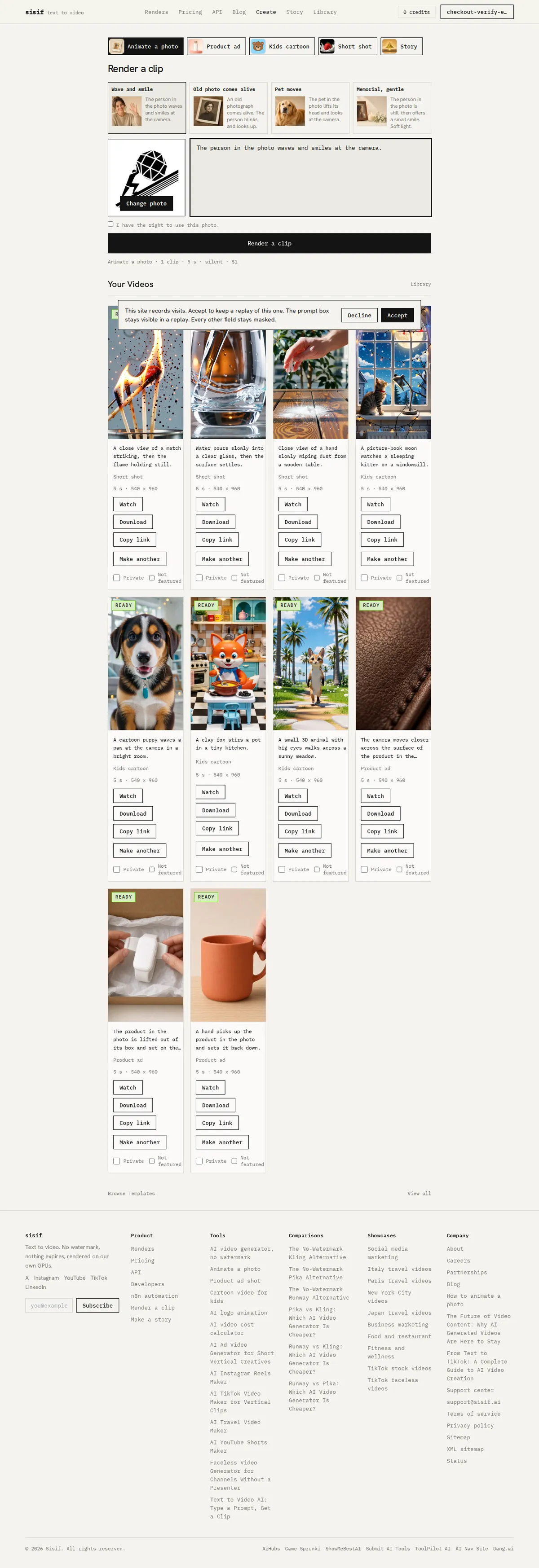
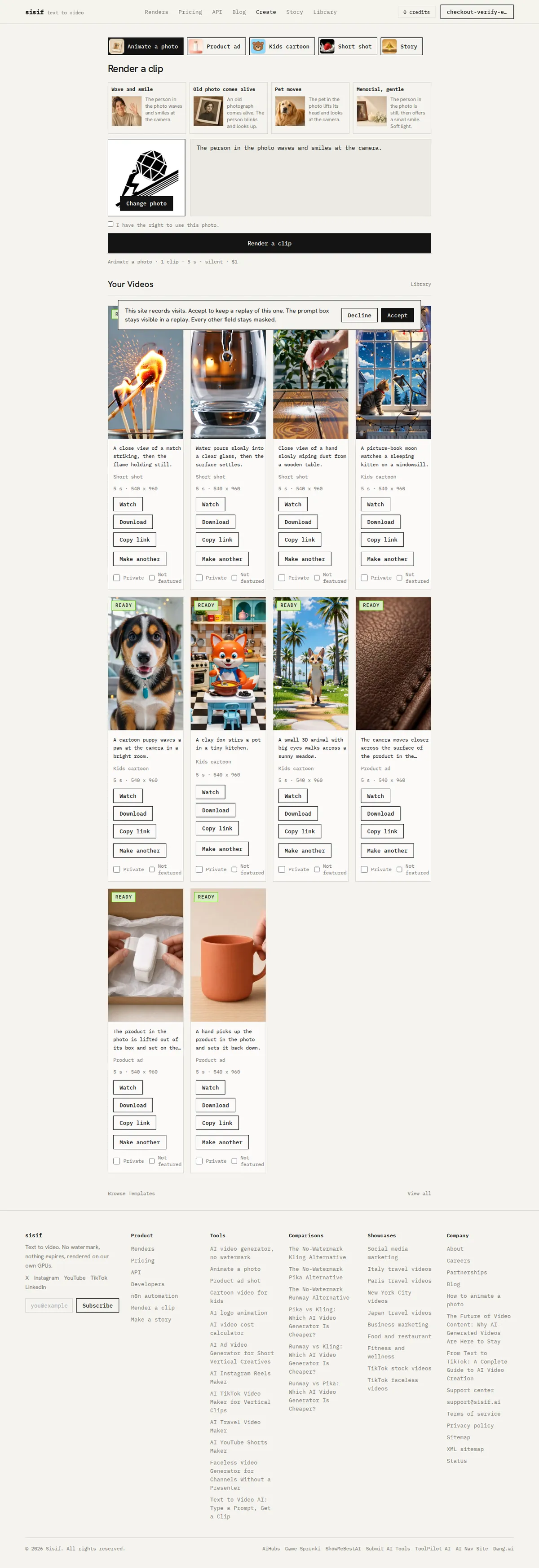
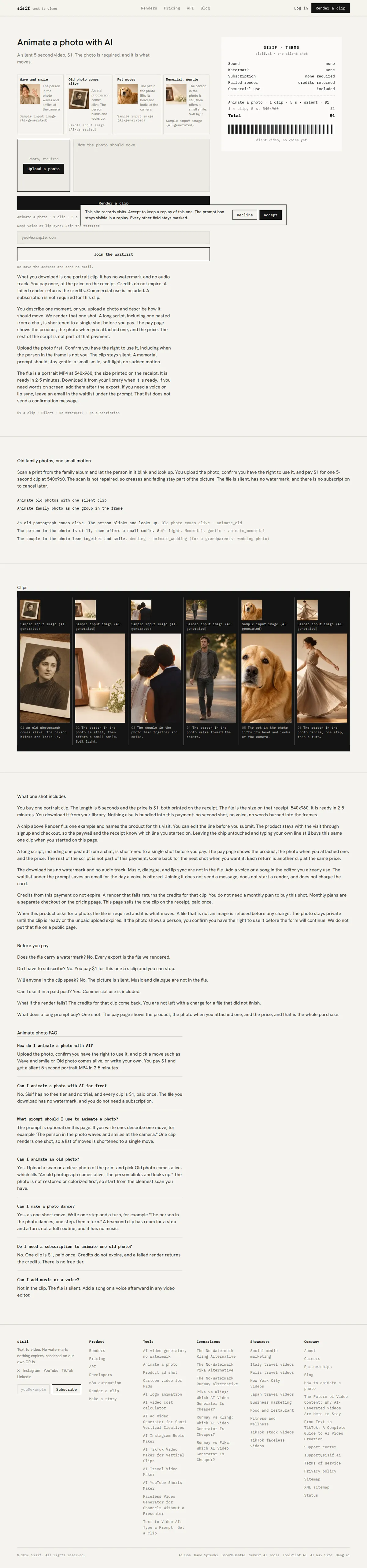
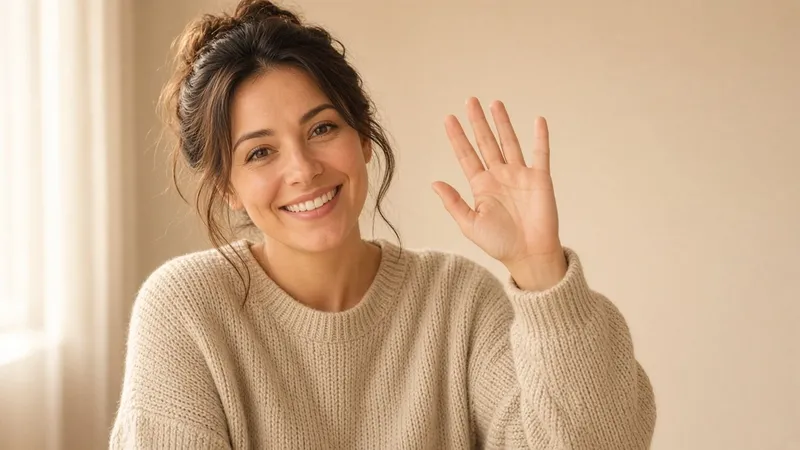
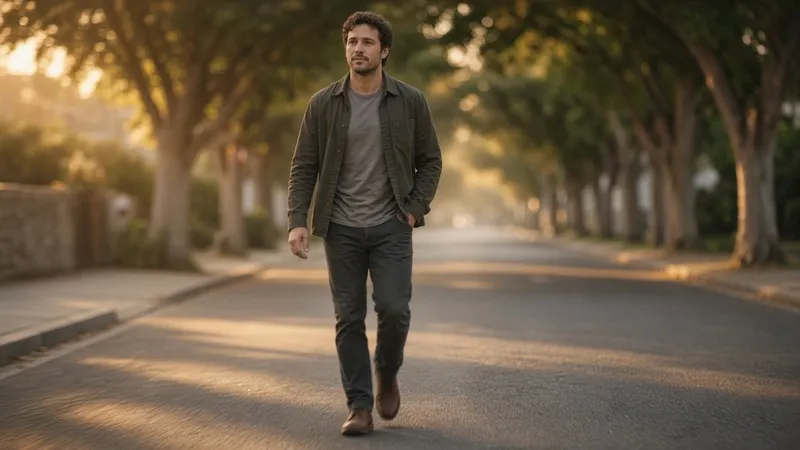
Featured renders show under this heading when a finished clip for that move has been marked featured. Each tile is that clip, with the prompt that made it. Until a clip is featured, the slot under this heading is empty.


What one clip does not do
It is not a ChatGPT feature, and it is not free. It does not speak. The picture is silent. If you want music, add it after you download the MP4.
It is one portrait clip at 540x960, 5 seconds long. It is not a landscape file and not a longer cut. A second move is a second clip at $1.
Questions
Can ChatGPT make videos?
No. OpenAI's help center says the Sora web and app experiences were discontinued on April 26, 2026, and OpenAI's API deprecations page lists the Videos API and the Sora 2 models as shut down on September 24, 2026, with no replacement. The image pages describe still images: creating one, editing one, and reading a photo you upload.
Can ChatGPT animate a picture?
The ChatGPT Images help page says you can upload an existing image and describe a change, and that ChatGPT then generates an image. It does not describe a video. To move the picture itself, use Animate a photo: one silent 5-second portrait MP4 at 540x960 for $1.
Can ChatGPT make old photos move?
Not on the pages checked October 11, 2026. ChatGPT can read an uploaded photo, and ChatGPT Images can edit a still. Neither page describes motion. On Sisif, Old photo comes alive fills "An old photograph comes alive. The person blinks and looks up.". The upload is not restored, colorized, or redrawn.
How do I animate a photo with AI?
Open Animate a photo, upload a photo you have the right to use, and pick a move or write one sentence. You pay $1 and get a silent 5-second portrait MP4 at 540x960, ready in 2-5 minutes. The longer steps are in the How to animate a photo guide.
Can I animate a photo for free?
Not on Sisif. There is no free tier and no trial, and every clip is $1, paid once. The file has no watermark, and you do not need a subscription.
-
How to animate a photo
You need a photo you have the right to use. Upload it on Animate a photo, pick a move, and render one silent 5-second portrait clip at 540x960 for $1.
-
The Future of Video Content: Why AI-Generated Videos Are Here to Stay
AI video generation isn't a passing trend—it's a fundamental shift in the creative landscape. Here's why it represents the future of content creation.
-
From Text to TikTok: A Complete Guide to AI Video Creation
TikTok rewards consistency, but creating daily videos is exhausting. This guide shows you how to use AI video generation to build a thriving TikTok presence without burning out.