This article is the written steps for making a picture dance. Make a photo dance is the page that runs the clip. One picture, one move.
What you are making
Dance fills this sentence, and you can edit it before you render:
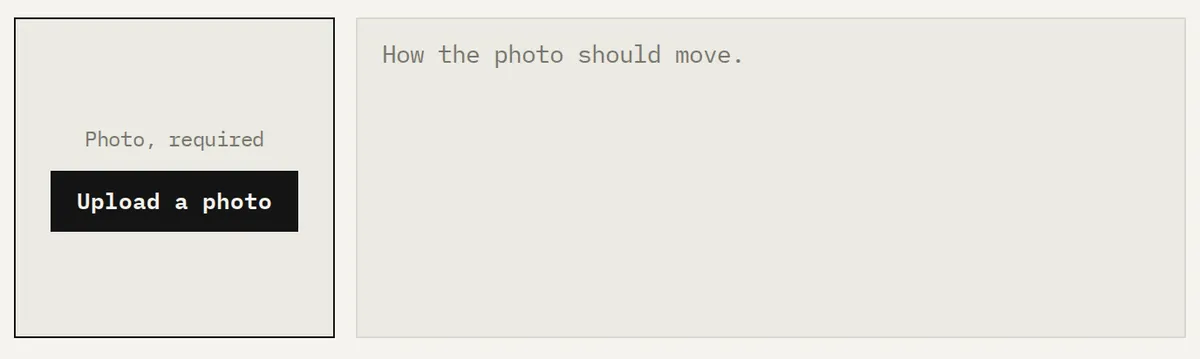
"The person in the photo dances, one step, then a turn."
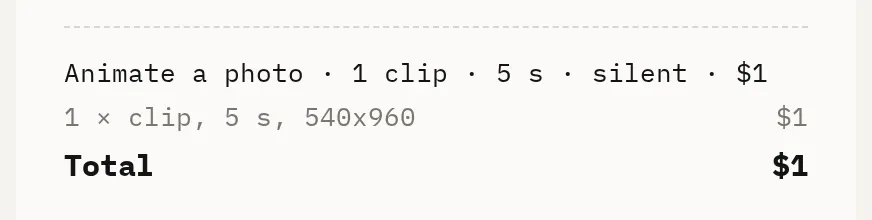
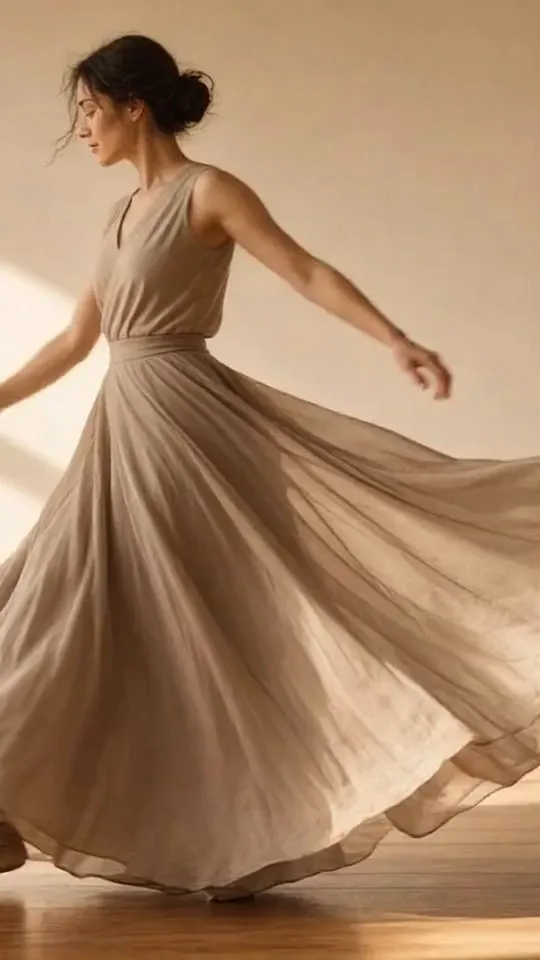
That is one step, then a turn. The file is 5 seconds, silent, portrait 540x960, $1, with no watermark. A full routine does not fit. A second figure is a second clip at the same price. There is no free tier and no trial, and you do not need a subscription.
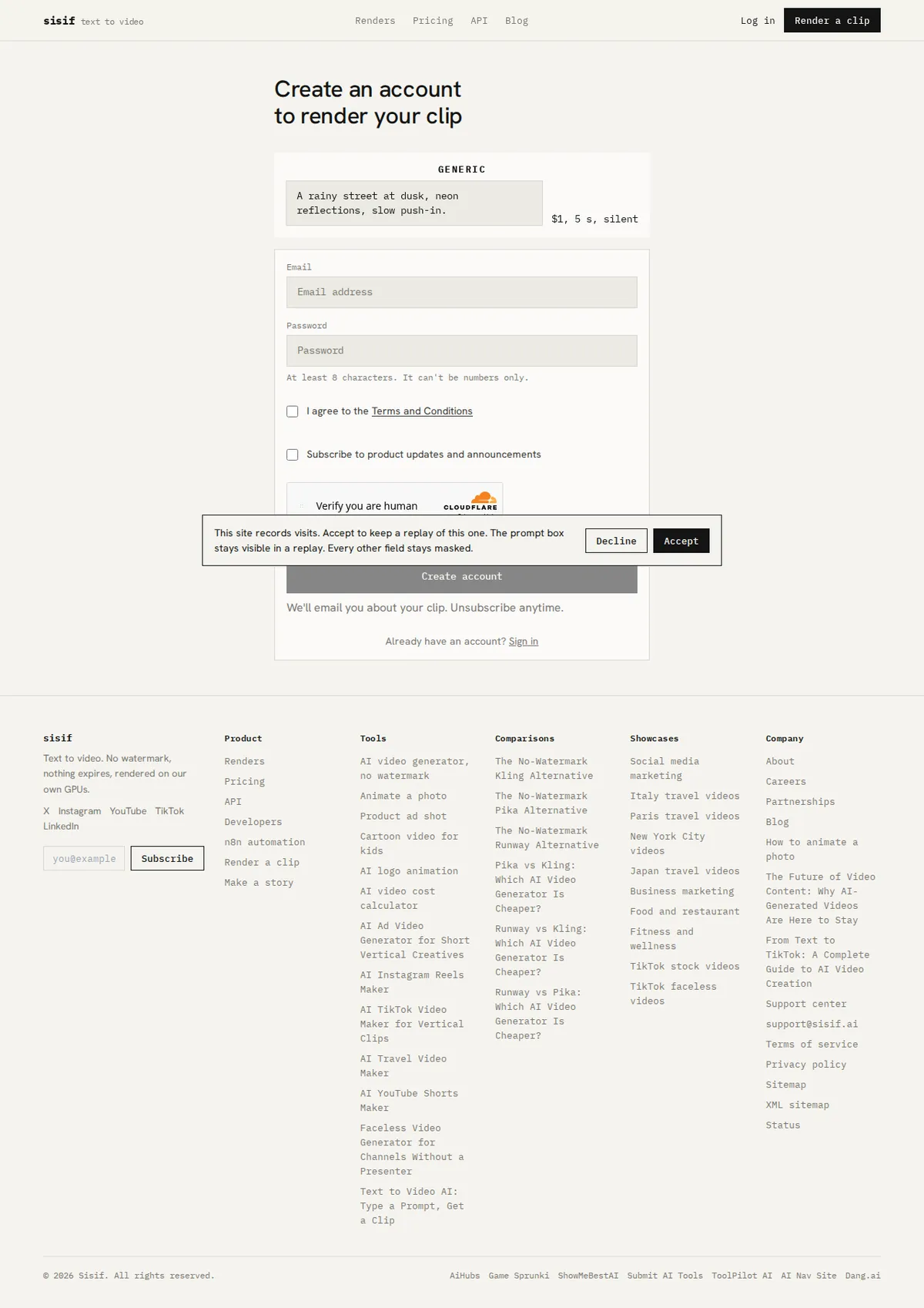
The pay page shows the product name, the photo when one is attached, and the price. It does not print the prompt.
Which picture to upload
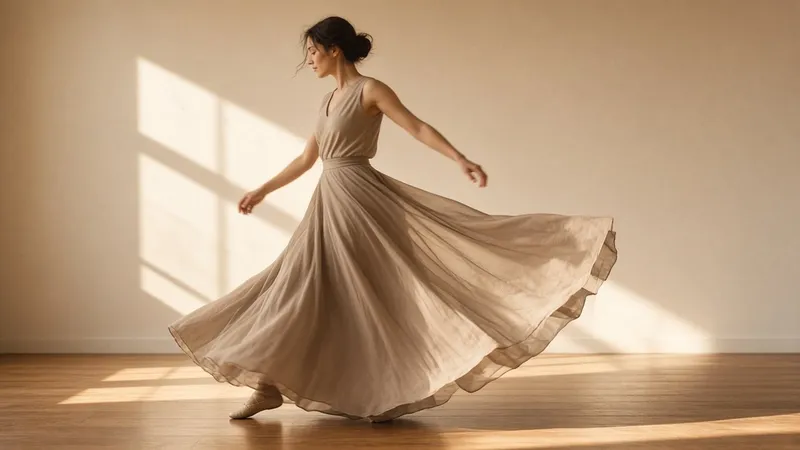
The photo is required. It is what moves. Use a full-body frame so the step has somewhere to go. A crop that is only a face has no step to show.
A plain background is easier to read, and it stays the background you uploaded. The render does not rebuild the room. A busy room stays in the frame too. Start from the picture you want to see moving.
The checkbox reads "I have the right to use this photo." The stored file is a JPEG, long edge at or under 2048 pixels. A transparent background is not kept. Put the person on the background you want before you upload.
Make the picture dance
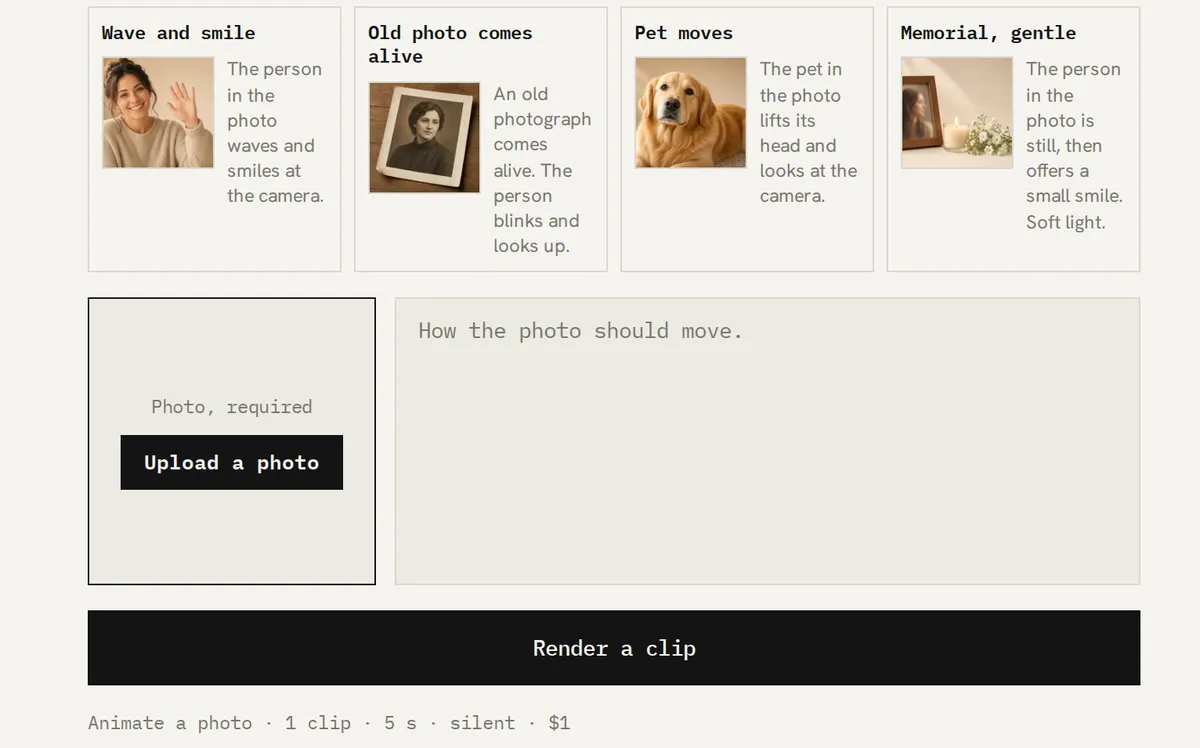
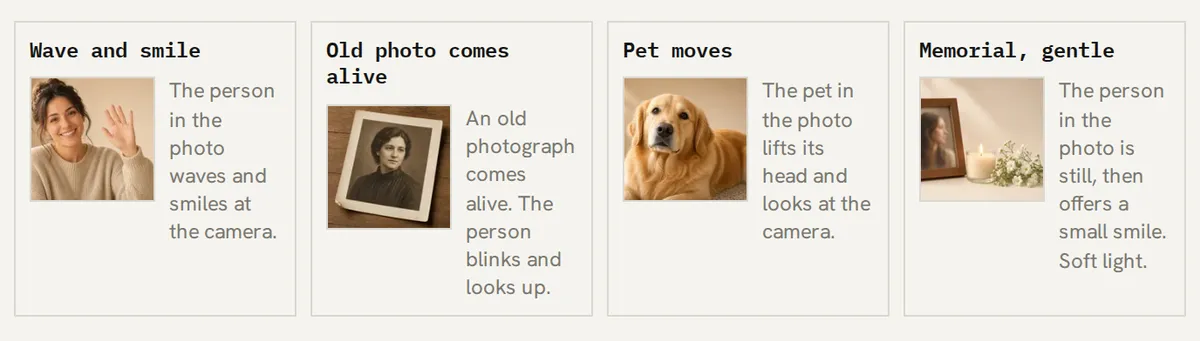
Open Make a photo dance. That page fills the dance sentence even though the card is not one of the four cards on Animate a photo. You can change the sentence. Name one move. A note that lists a whole routine is still one clip of 5 seconds.
Press Render a clip. If you are not signed in, you create an account and come back with the photo and the sentence kept. Checkout is $1 when the account has no credits. The file is ready in 2-5 minutes.
Add music in the editor you already use. The MP4 does not carry any.
The same product, with other moves, is on Animate a photo, Family photos, and Wedding photos. The full upload guide is How to animate a photo.
Renders of these moves
Featured renders of the Animate a photo moves show under this heading when a finished clip for that move has been marked featured. The dance sentence is one of those moves. Until a clip is featured, the slot is empty.


What the clip will not do
It will not perform a choreographed routine. It will not keep going past 5 seconds. It is silent. It does not invent a new room or a new outfit. The photograph you upload is the frame that moves.
Frequently asked questions
How do I make a picture dance with AI?
How do I make a photo dance?
Can one clip show a full dance?
Which photo works for a dance move?
Does the dance clip include music?
Try it on sisif
Animate a photo
One photo, one move, a 5-second portrait clip for $1.