What the file is
One product commercial video is one clip. It is not a sequence of scenes, and it is not a widescreen master. The file is a silent portrait MP4, 5 seconds, 9:16, saved at 540x960, with no watermark. One clip holds one move. A second ending is a second clip at $1.
The clip below is a Sisif render of polka-dot wide-leg pants, made from the product photo.
What to shoot from one product photo
The AI product video maker asks for one photo. The photo field is labeled "Product photo, required". The prompt placeholder is "How the product should move." The page states: "The product photo is required. The clip moves that photo." The checkbox reads "I have the right to use this photo."
Keep the whole product in the frame and the front facing the camera. The photo is what moves, so a product cut off at the edge stays cut off. The upload checklist is on turn product photos into video.
The maker page shows four motions. You can edit the sentence each one fills.
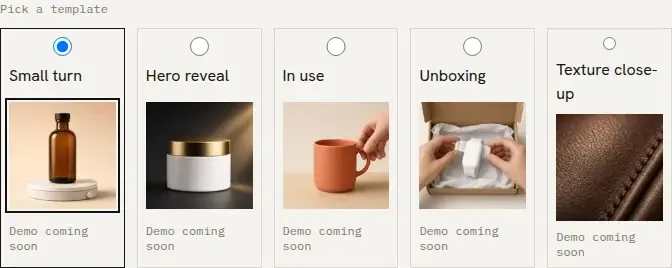
- Small turn. The product in the photo turns a small ±20° on a plain backdrop, keeping the front visible.
- Hero reveal. A soft light sweep reveals the product in the photo. The front stays visible and the label faces the camera.
- In use. A hand picks up the product in the photo and sets it back down. The label stays facing the camera and the hand never covers it.
- Unboxing. The product in the photo is lifted out of its box and set on the table. The label stays facing the camera and the hand never covers it.
Use the motion the photo can already support. A pack shot on a plain ground matches Small turn or Hero reveal. A photo that already includes a hand matches In use. A photo of the product in its box matches Unboxing.
The crop below is the template picker on the product ads page. It lists those four motions and a fifth, Texture close-up: "The camera moves across the surface of the product in the photo, not across the label." Texture close-up is not one of the four cards on the maker page. Paste that sentence there if you want the camera to cross the surface instead of the label.
Frames from Sisif product clips
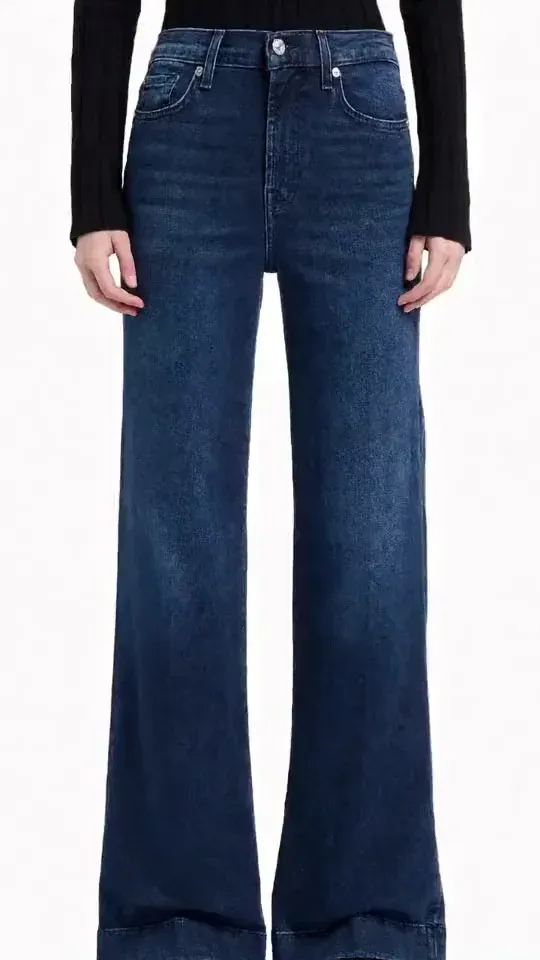
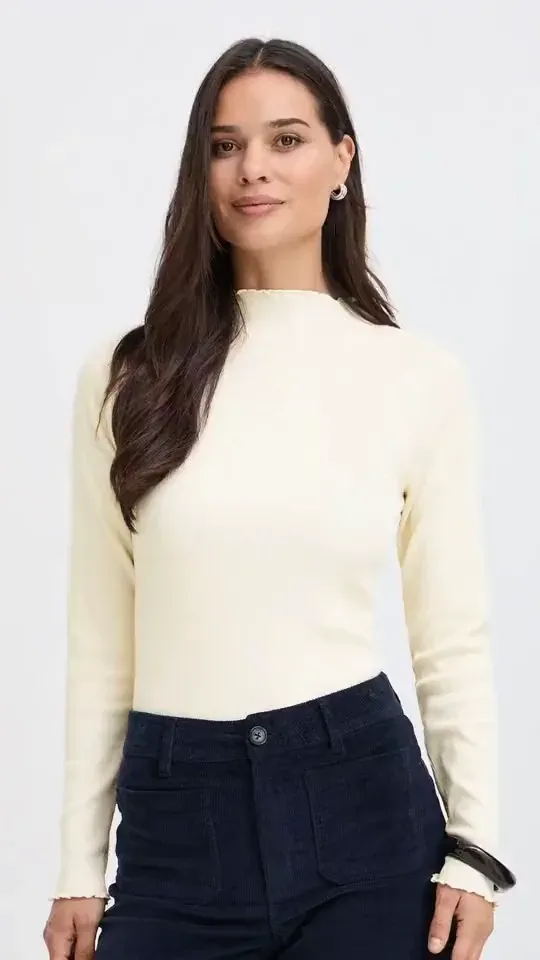
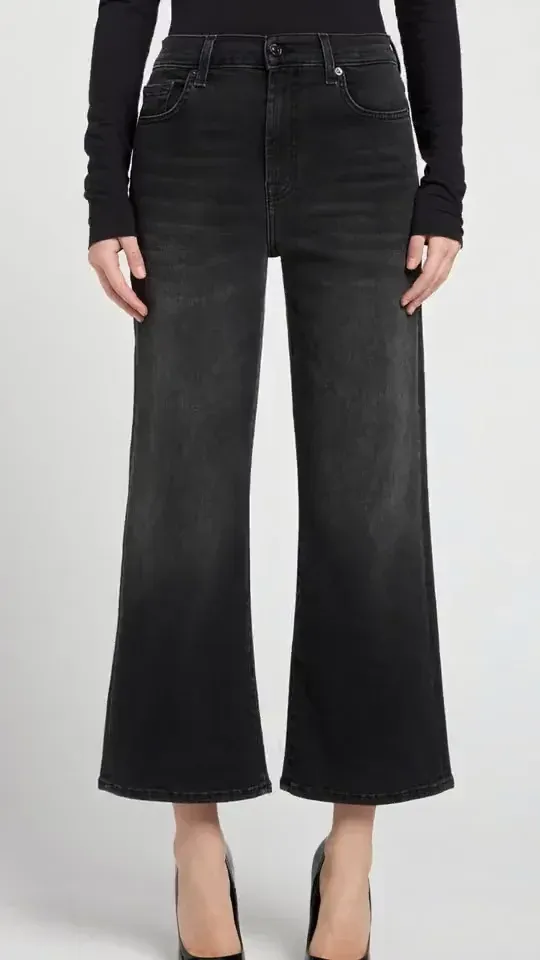
These frames are from Sisif product clips. Each clip was made from one product photo. The picture is the commercial. The hook is still added after the export.
The hook you add after the export
The download has no words on the picture. Add the hook in an editor after you export the MP4.
Use one line. The product is already in the frame, so the line should say what the photo cannot: a restock, a new color, or the offer. Put that line on screen at the start. The clip ends at 5 seconds, so a second sentence does not fit.
Do not stack a price, a code, and a slogan on the same clip. Pick one. Another line is another clip at $1.
Where a portrait clip can run
The saved file is portrait, 9:16, at 540x960. That shape matches a Reel, a YouTube Short, a TikTok, and a Story, and it matches a product page that wants a vertical clip. Download the MP4 and upload it where you already publish. Sisif does not buy the placement.
A widescreen broadcast master is a different file. This clip is not that file.
A spot written as one sentence, with no product photo, belongs on the AI commercial generator. Stay with the photo when the commercial has to show the product you sell. Upload that photo on the AI product video maker.
What you pay
One clip is $1 for 5 seconds at 540x960, paid once. The download has no watermark. A subscription is not required. It is ready in 2-5 minutes. Commercial use is included. Credits you buy do not expire. A failed render returns the credits for that clip.
Open the AI product video maker, upload the photo, and pick one motion.
Frequently asked questions
How long is a product commercial video here?
What size is the file?
Does the file have a watermark?
Do I need a subscription?
Try it on sisif
Product ad
One photo, one move, a 5-second portrait clip for $1.